Apologies for not posting in six months—I didn’t expect summer to bring so many distractions!
Here’s a quick summary of what happened during the hiatus:
Switches
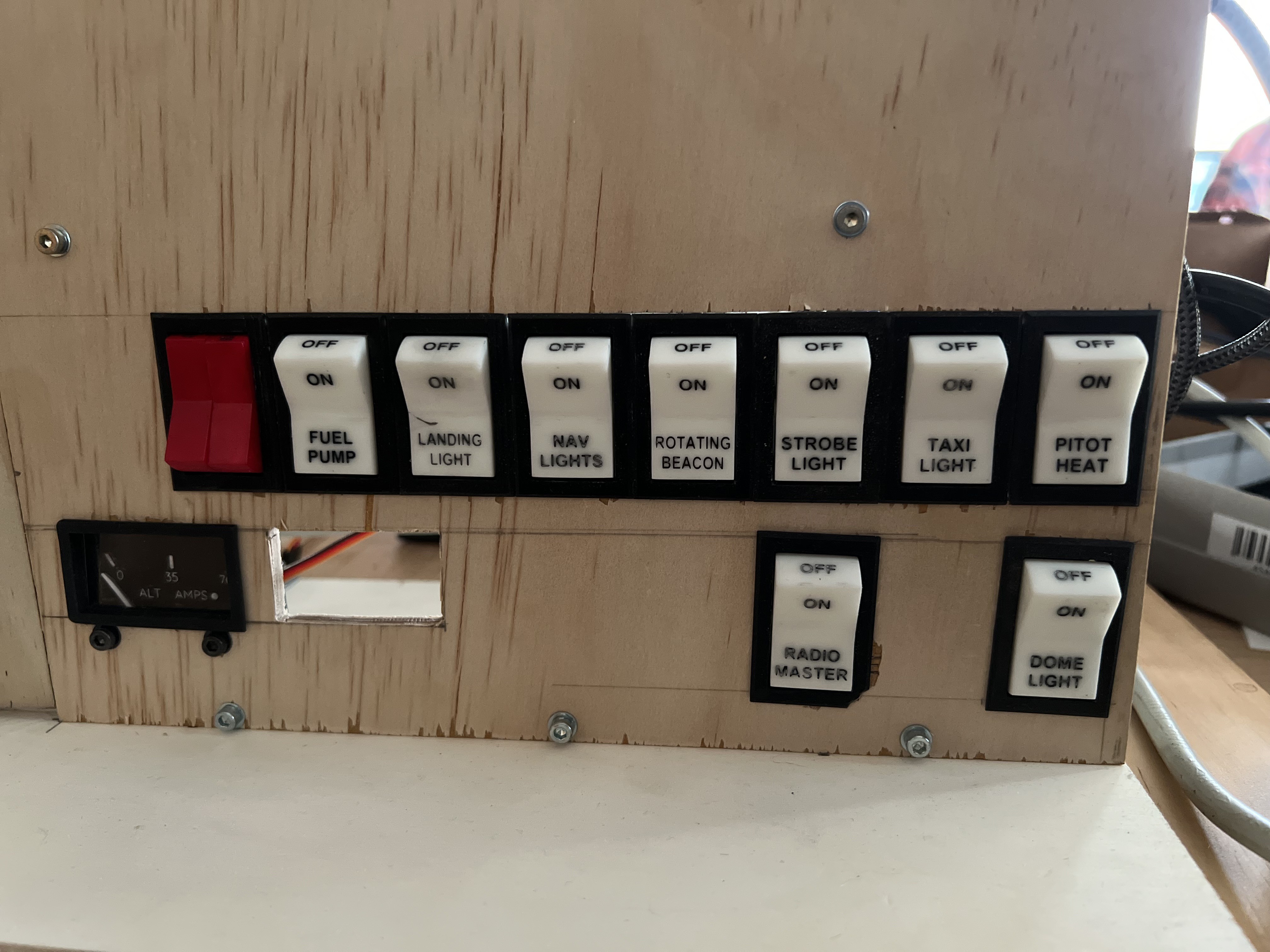
Still in spring, I designed, printed, and installed all the switches for the main switch panel.
The switches are based on the elegant design by Jay727 on Thingiverse. Using this design as a foundation, I created a “full-width” version of the switch and embossed the writing on both the front and top of the buttons.
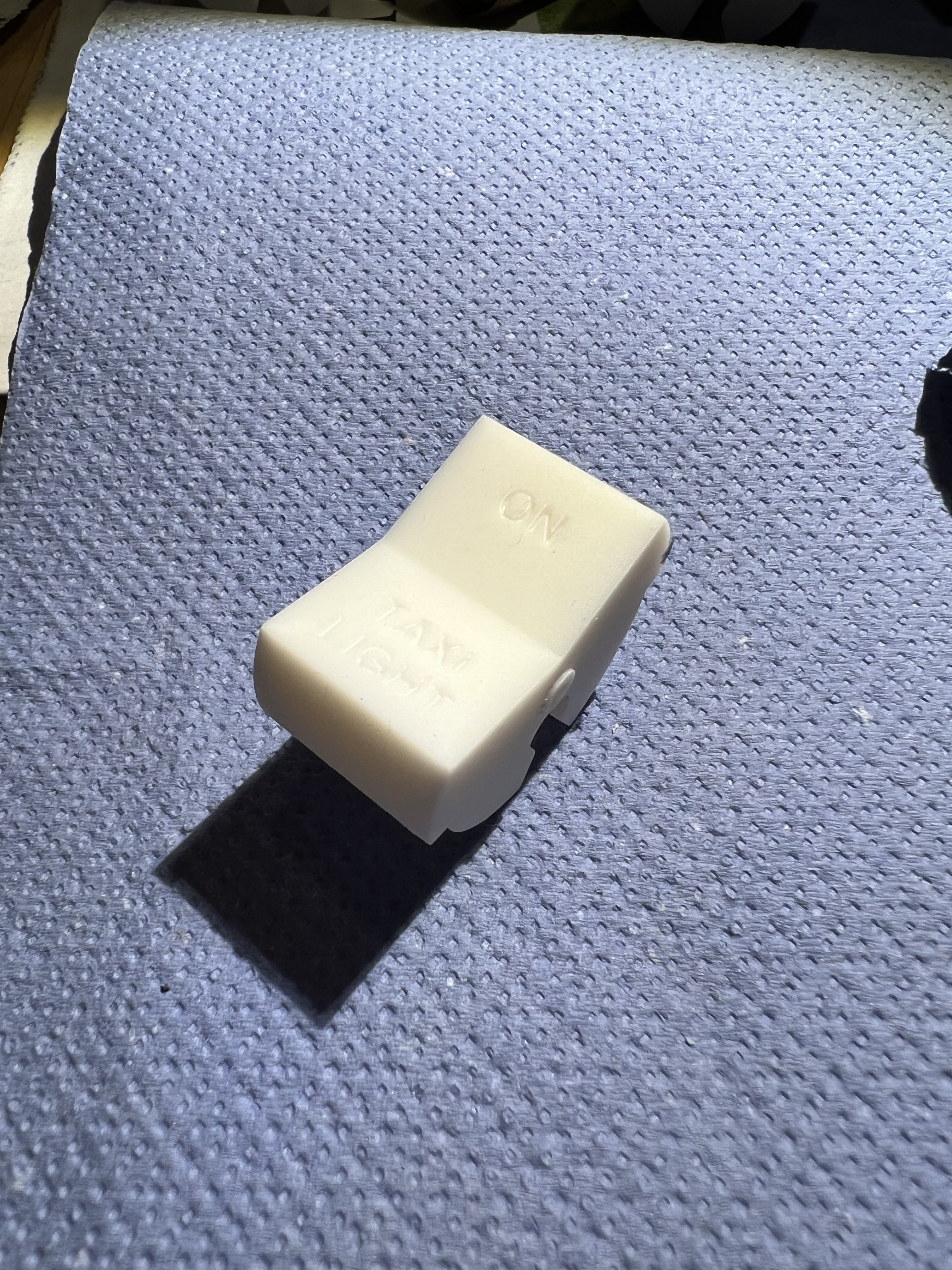
I printed the switches in white “ABS-like” resin:
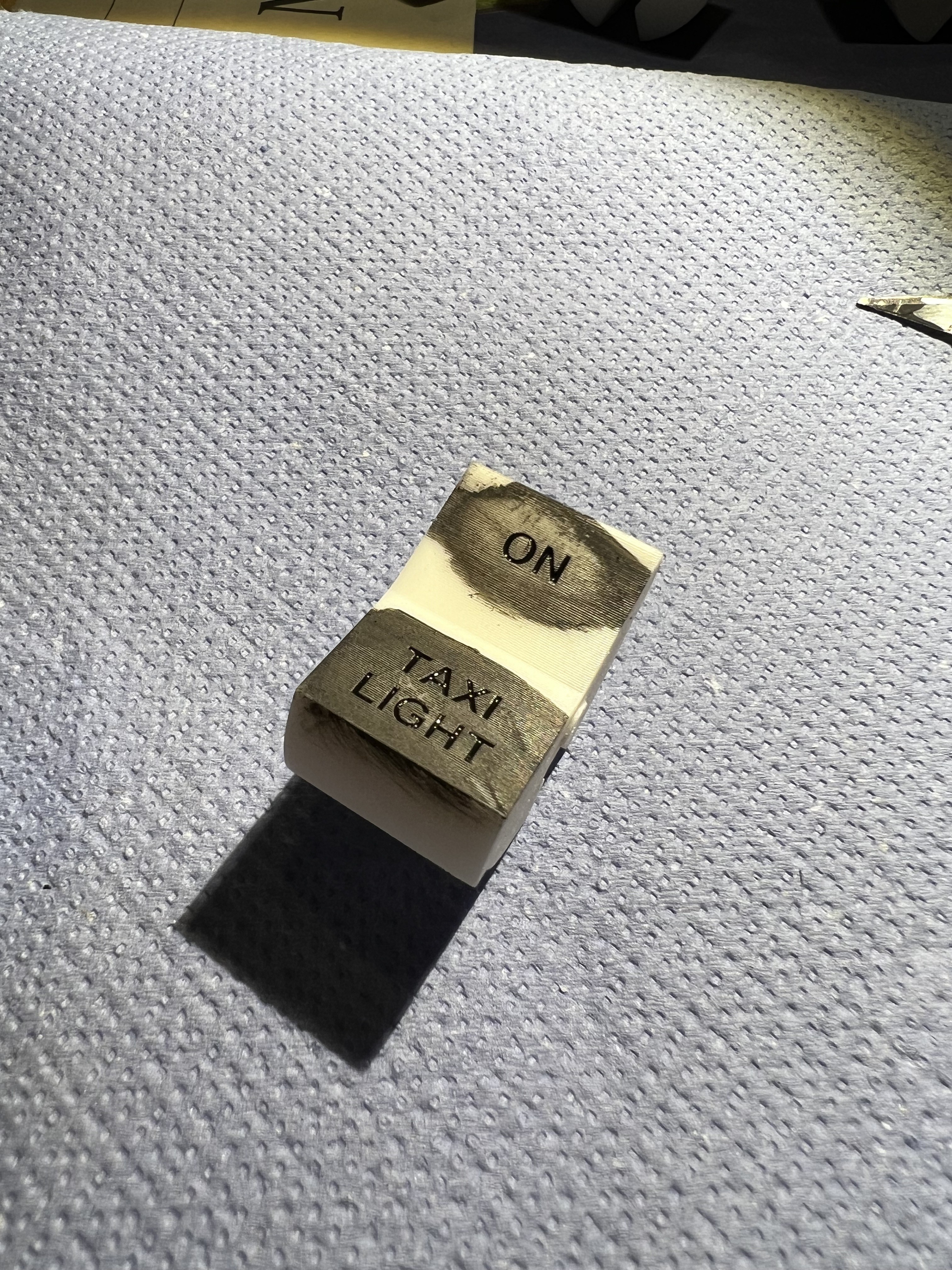
Next, I applied thinned black paint to the areas with writing, ensuring that the paint filled all the grooves of the letters.
Once the paint dried, I sanded away the excess paint and any faint layer lines from the print. Using wet sandpaper was crucial to minimize the (likely unhealthy) microplastic dust.
Here’s a short video showing the post-processing of one of the painted switches:
Unfortunately, I didn’t have any red resin for the power switches, and I didn’t want to buy an entire bottle of resin just to print two small parts. So, I printed them in white resin and painted them red with some nail polish I borrowed (stole) from my wife.
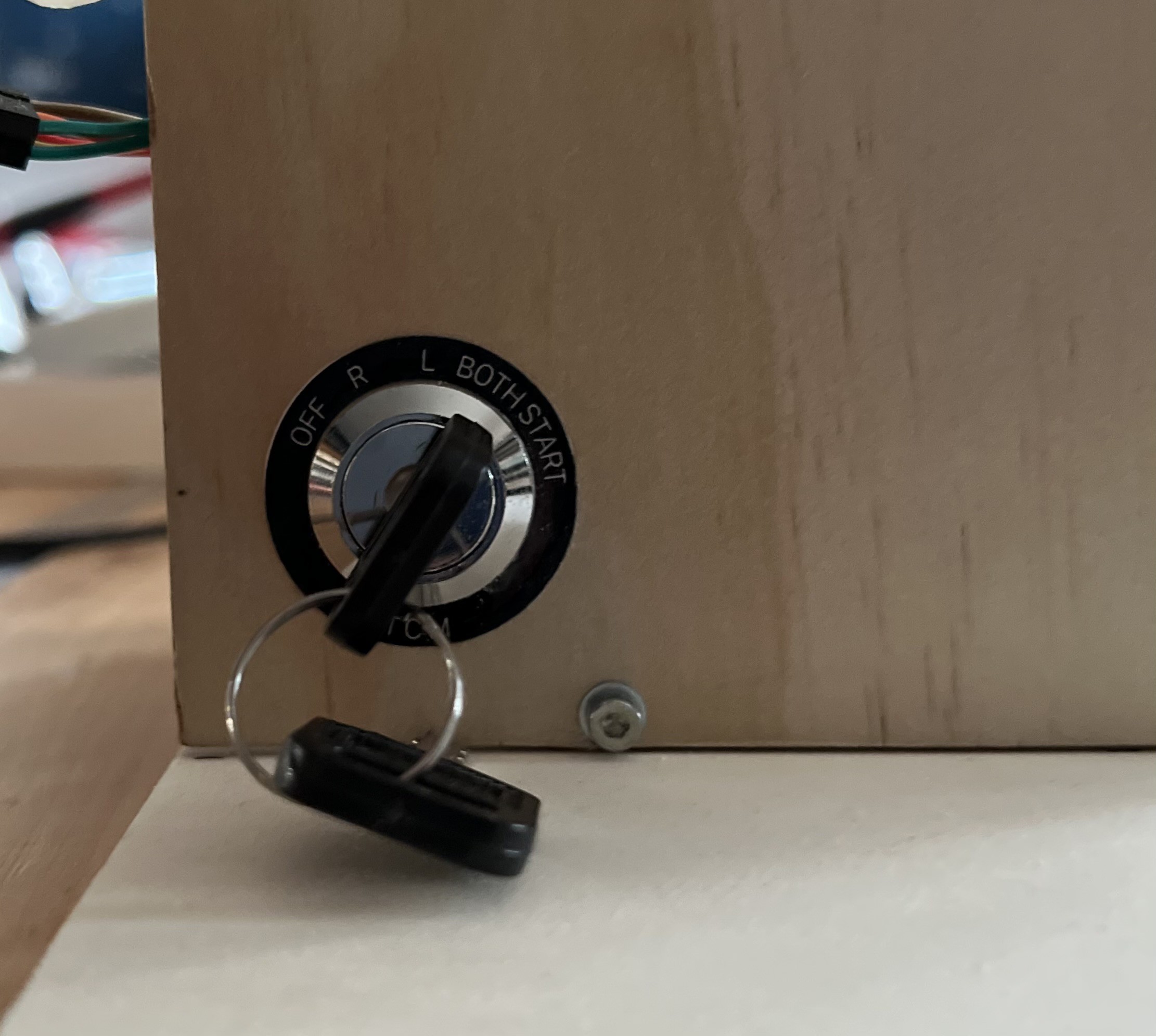
I only made small changes due to a slightly different lock mechanism and the fact, that I printed parts from it in resin. If you want to know more about this design, please check out Captain Bob's Youtube video.
Annunciator lights
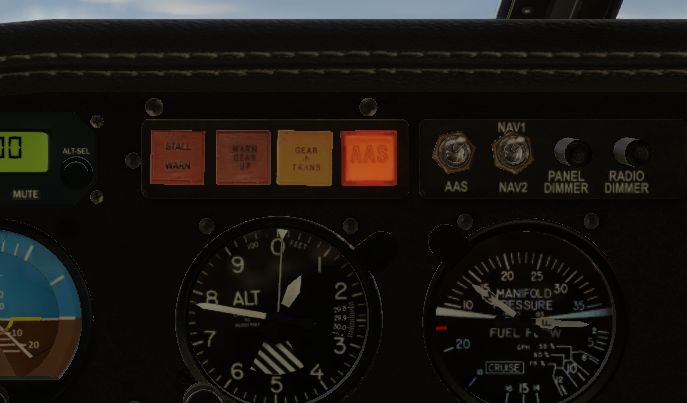
Next, I printed several annunciator lights. Normally, these lights are made from colored transparent plastic with white lights behind them:
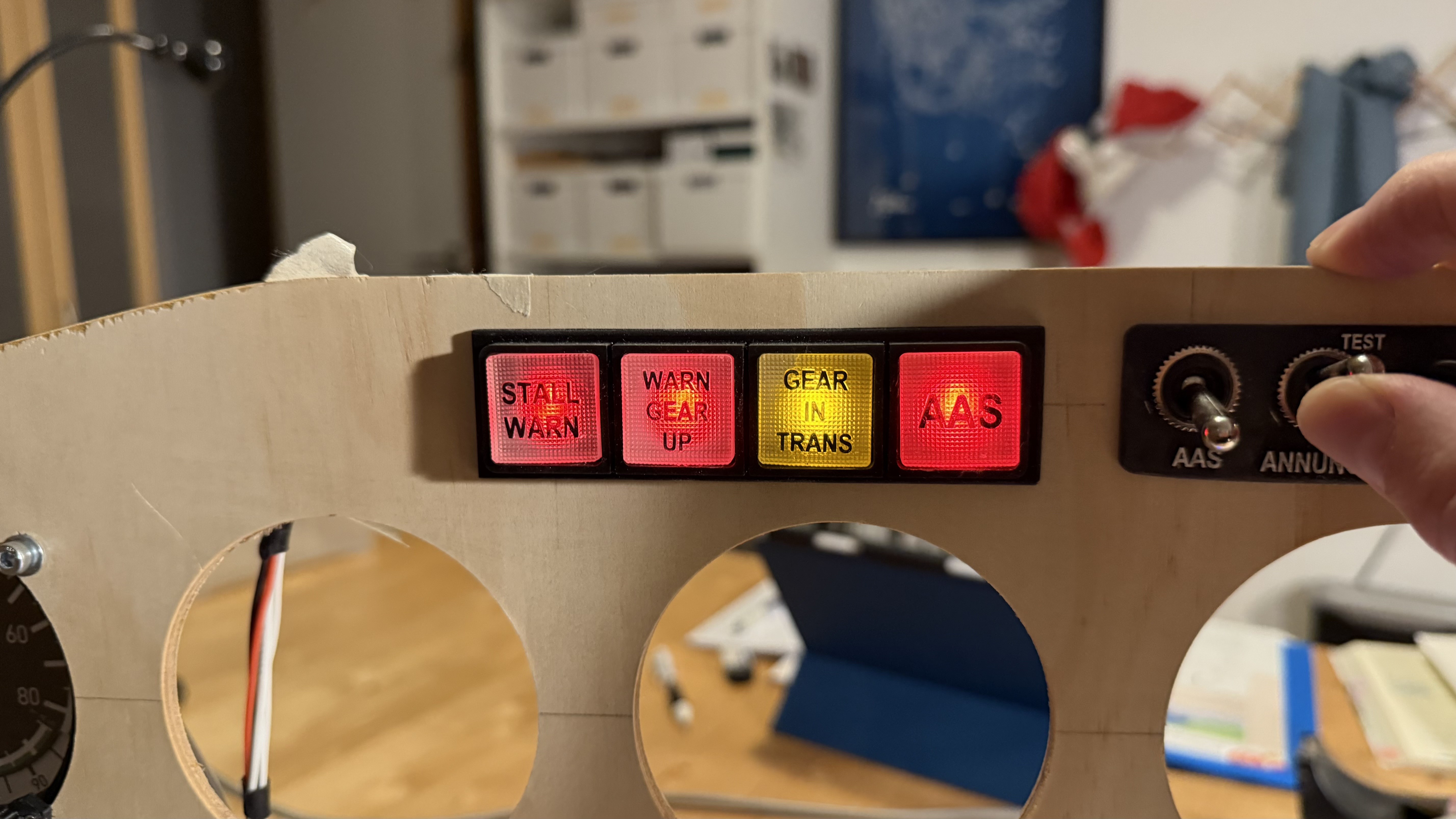
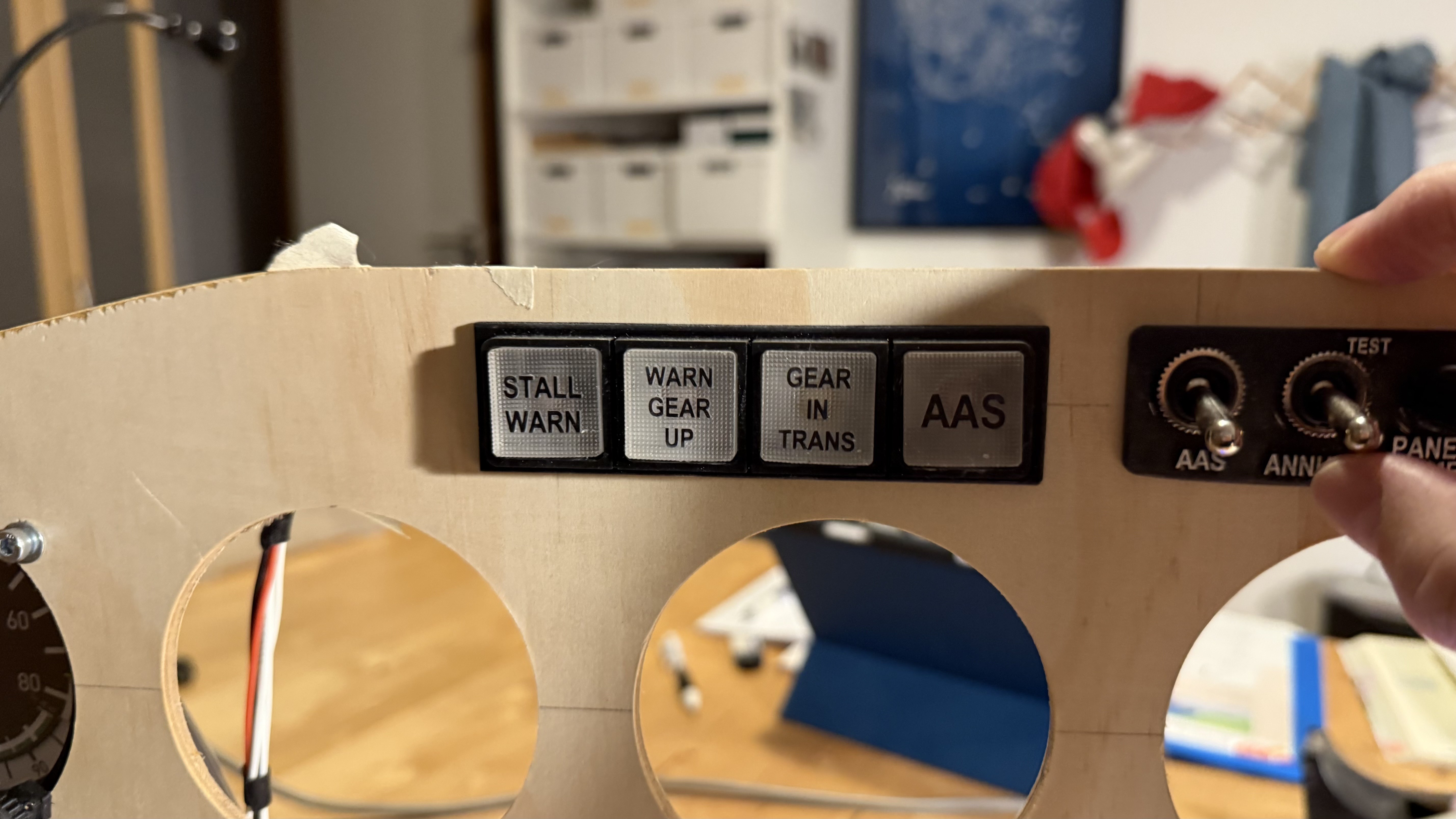
Since I only have uncolored clear resin, I decided to print them in clear plastic and use colored LEDs behind them. This way, they still display the correct color when lit, which works perfectly fine for my needs.
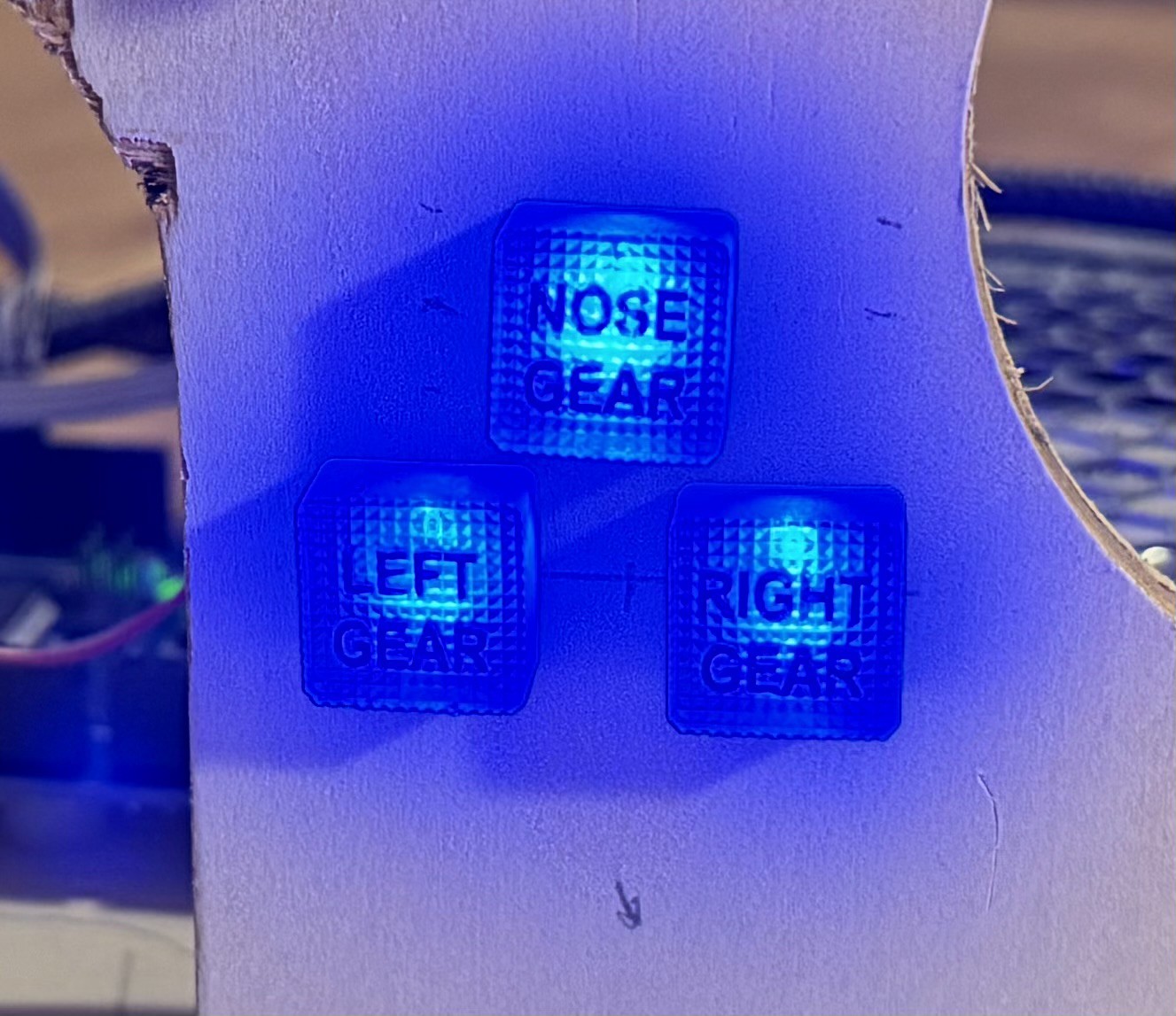
I designed four large lights for the annunciator panel and four smaller ones for the gear and motor starter indicators.
(though they’re hard to photograph…)
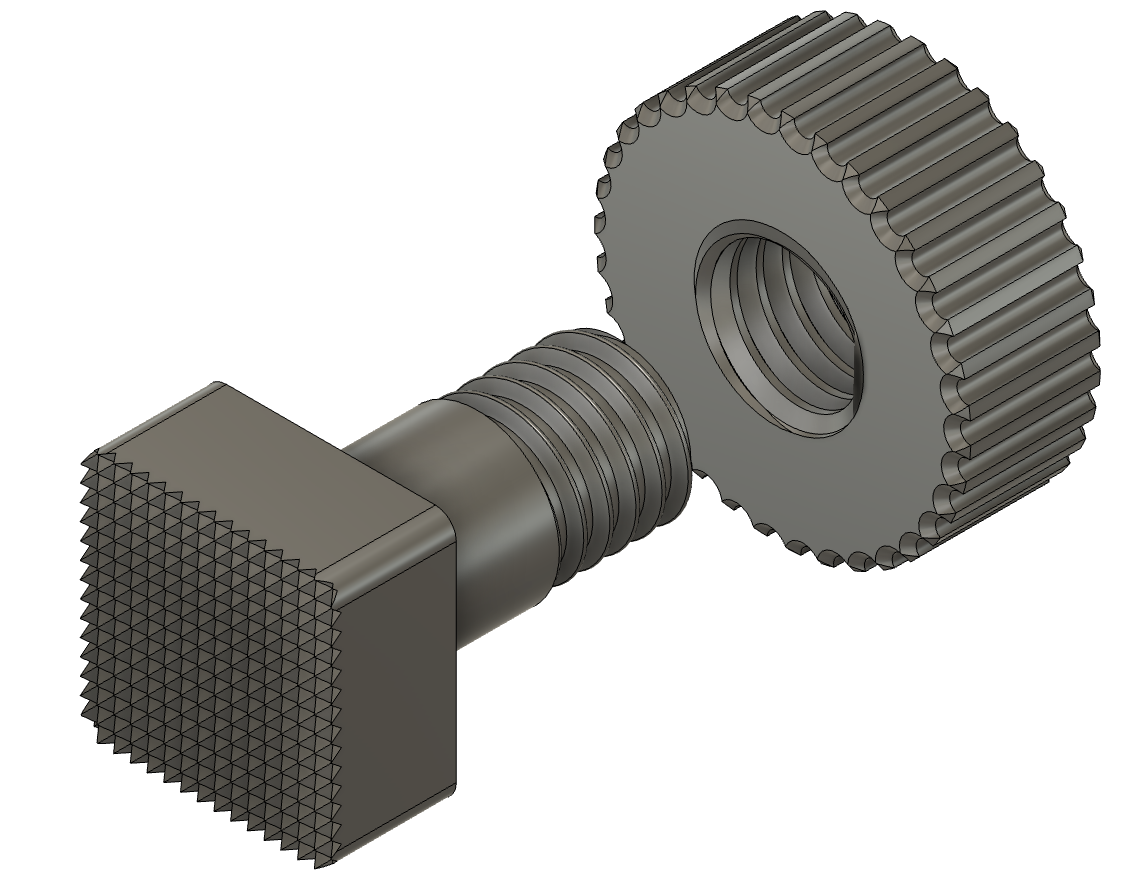
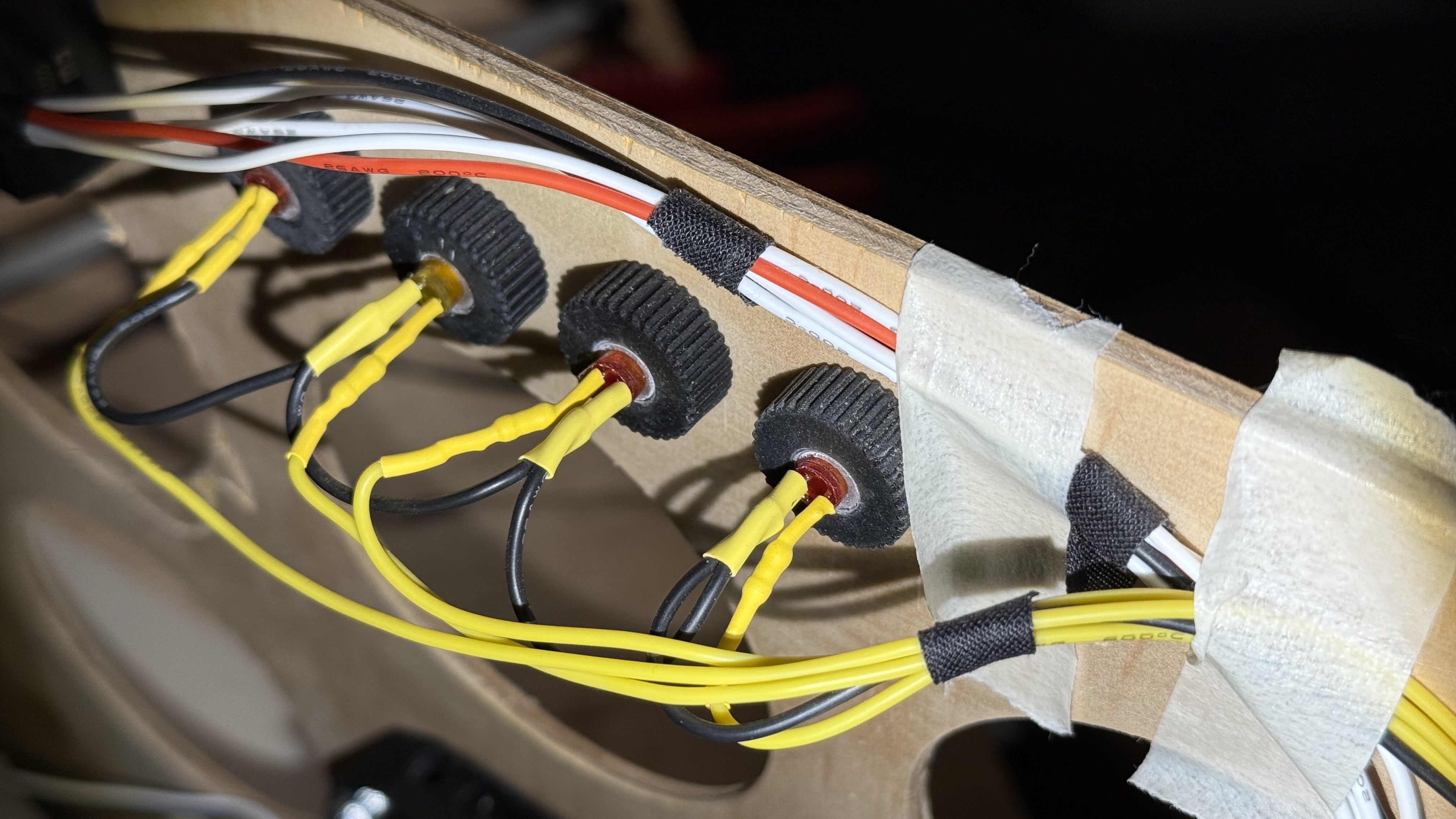
The lights are designed for easy installation: they feature a threaded back end and a matching printed M8 nut to hold them securely in place. If text is required, it is directly integrated into the design as embossed lettering, which I later colored with a black marker.
The LEDs are simply press-fitted into a hole at the back.
Long story
And then there’s the altimeter…
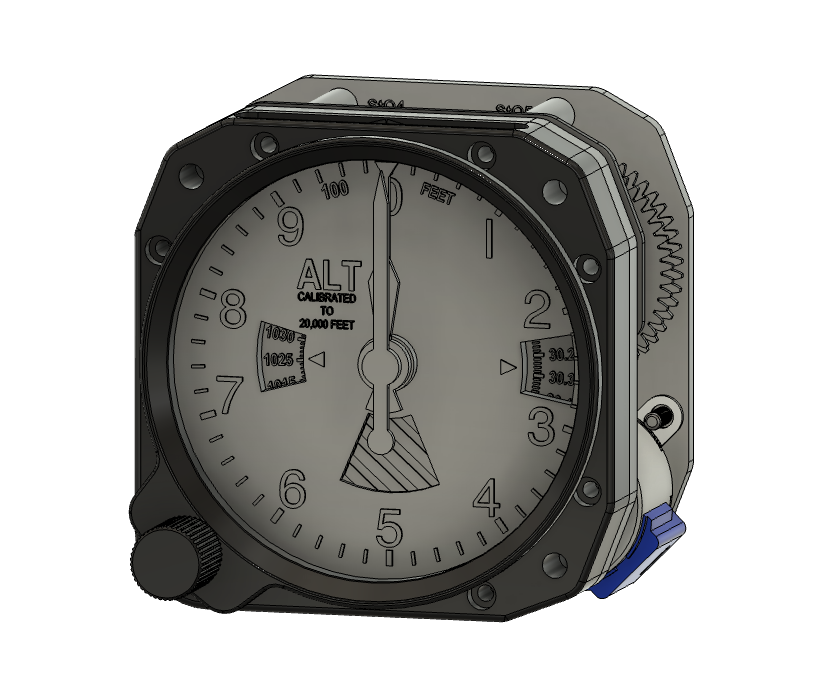
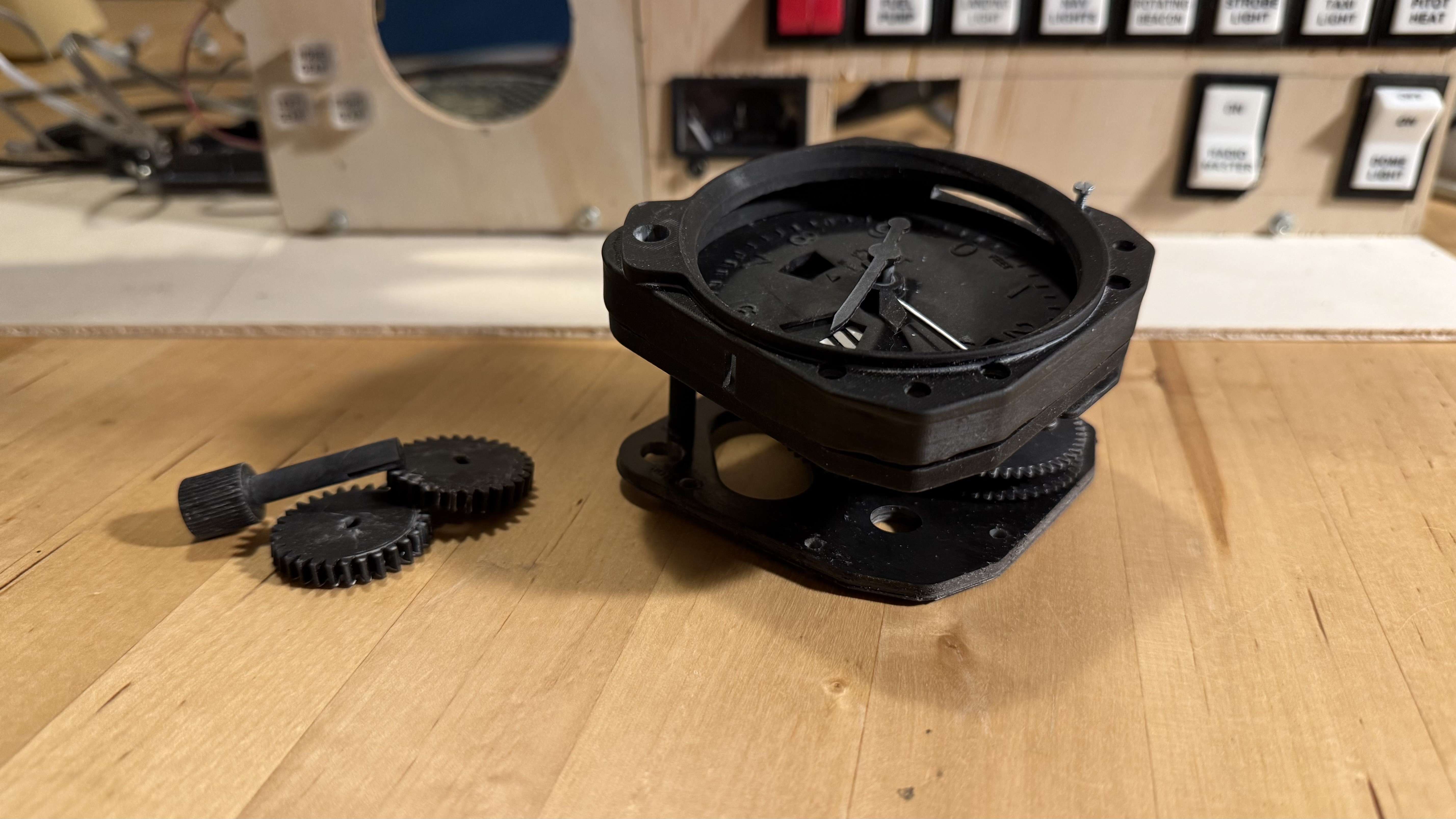
I initially checked out Captain Bob’s altimeter design, but I didn’t like the mechanics, and it didn’t match the altimeter in my PA28 simulator. So, I decided to redesign it.
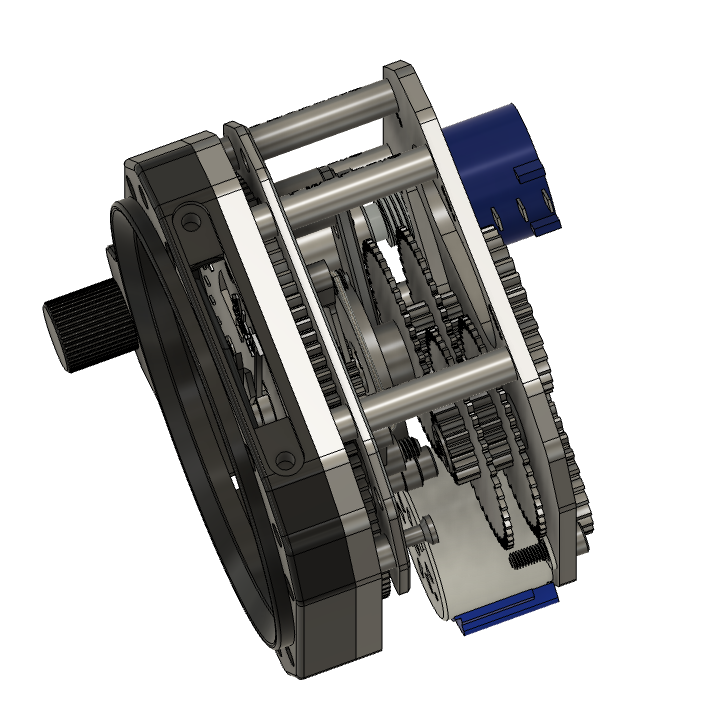
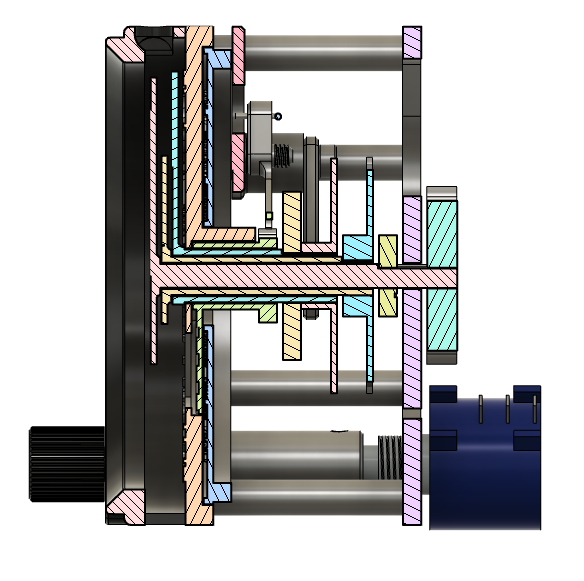
That’s when I had the bright idea to replicate the mechanics of the real thing. Instead of using three separate steppers for the three needles, I began designing a clockwork mechanism driven by just one stepper. Then came the 10k-flag… and then… and then…
Long story short: after three complete design cycles, numerous test prints, and one full prototype, it doesn’t work…
… yet!
There are several flaws in the design—nothing unfixable, but still enough to require a lot of additional work.
Maybe it wasn’t the summer that kept me away from this project after all? Who knows?


Comments
Post a Comment